Preview mode
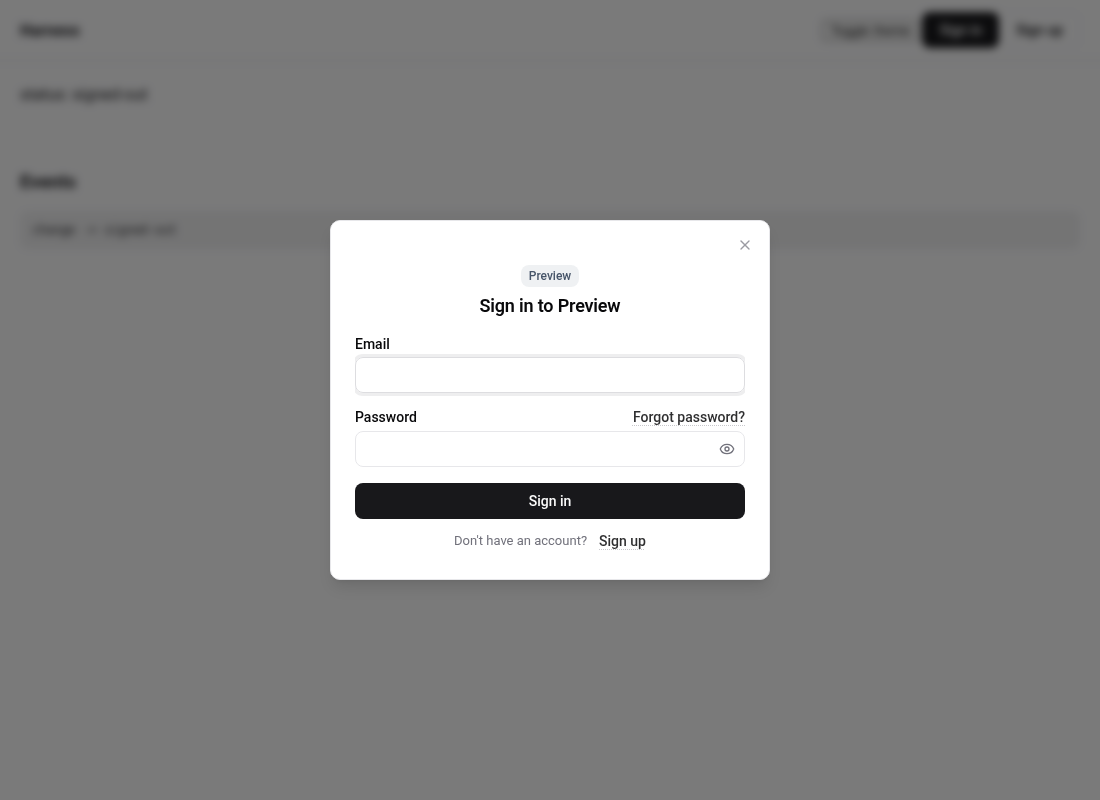
Explore every screen without a backend. Any email, password or code is accepted and nothing is sent anywhere.
Set preview: true and Auth UI swaps the Appwrite SDK for an in-memory stand-in. No request leaves the page.
<authui-config endpoint="https://cloud.appwrite.io/v1" project="demo" preview></authui-config>AuthUI.init({ endpoint: "https://cloud.appwrite.io/v1", project: "demo", preview: true });What it does
- Any credentials work. Every email, password, one-time code, recovery code and TOTP code is accepted. Sign up, guest and OAuth complete in place instead of redirecting.
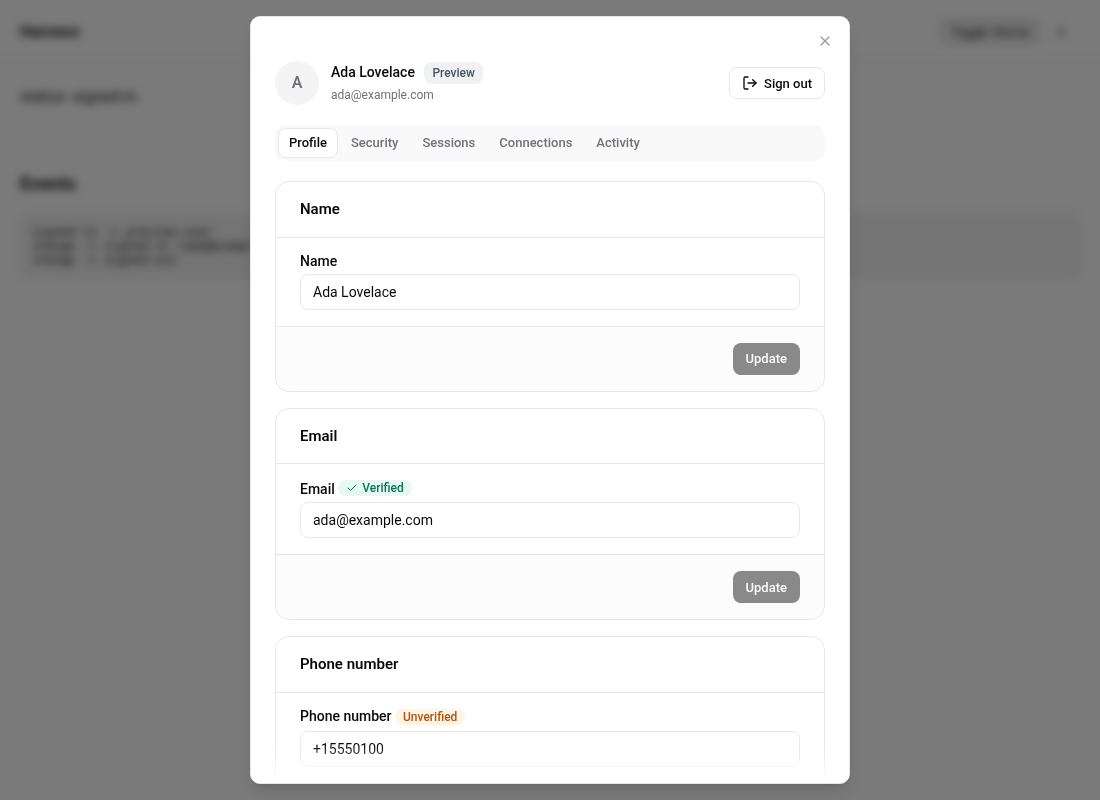
- A sample account named Ada Lovelace with a verified email, three active sessions on different devices, a connected GitHub identity and a short security log.
- MFA end to end. Enrolling an authenticator shows a placeholder QR code. Once MFA is switched on, the next sign in asks for a challenge. Reading or regenerating recovery codes and removing the authenticator require a recent challenge, exactly like the server, so the step-up flow can be seen too.
- Passwordless flows return a security phrase and accept any code. Magic URL shows the "link sent" state.
- A Preview badge appears on the sign-in and account screens so nobody mistakes it for a real session.
- Redirect parameters are ignored, so a preview page never tries to redeem tokens from the URL.
Use it for design reviews, Storybook stories, marketing pages and playgrounds. It is what the playground and the landing page demo run on.
Driving it from code
import { AuthUI } from "@getauthui/core";

AuthUI.init({ endpoint: "https://cloud.appwrite.io/v1", project: "demo", preview: true });
await AuthUI.previewSignIn(); // skip the form and land on the account screen
AuthUI.open("account");
authStore.isPreview reports whether preview mode is active.
Never in production
Preview mode signs anyone in. It exists only for showing the interface. Leave preview unset in any page real users can reach.