AI agents
Give your coding agent everything it needs to add Auth UI to a project.
Auth UI has an HTML-first API that agents write correctly on the first try. Point your agent at the machine-readable docs:
/llms.txtis a short index./llms-full.txtis the complete documentation in one file.- Every docs page has a Markdown version at
/llms.mdx/docs/<slug>/content.md.
Prompt for humans
Copy this into your AI assistant along with your endpoint and project ID:
Add authentication to this web app with Auth UI (@getauthui/core), a web component
library for Appwrite. Docs: https://getauthui.appwrite.network/llms-full.txt

1. Put critical CSS in <head>:
   <link rel="stylesheet" href="https://unpkg.com/@getauthui/core@0.1.45/dist/fouc.css" />
   then load it: <script type="module" src="https://unpkg.com/@getauthui/core@0.1.45"></script>
   (or `npm i @getauthui/core appwrite lit` and `import "@getauthui/core"`).
2. Configure it once with <authui-config endpoint="..." project="..." methods="email-password oauth:google">.
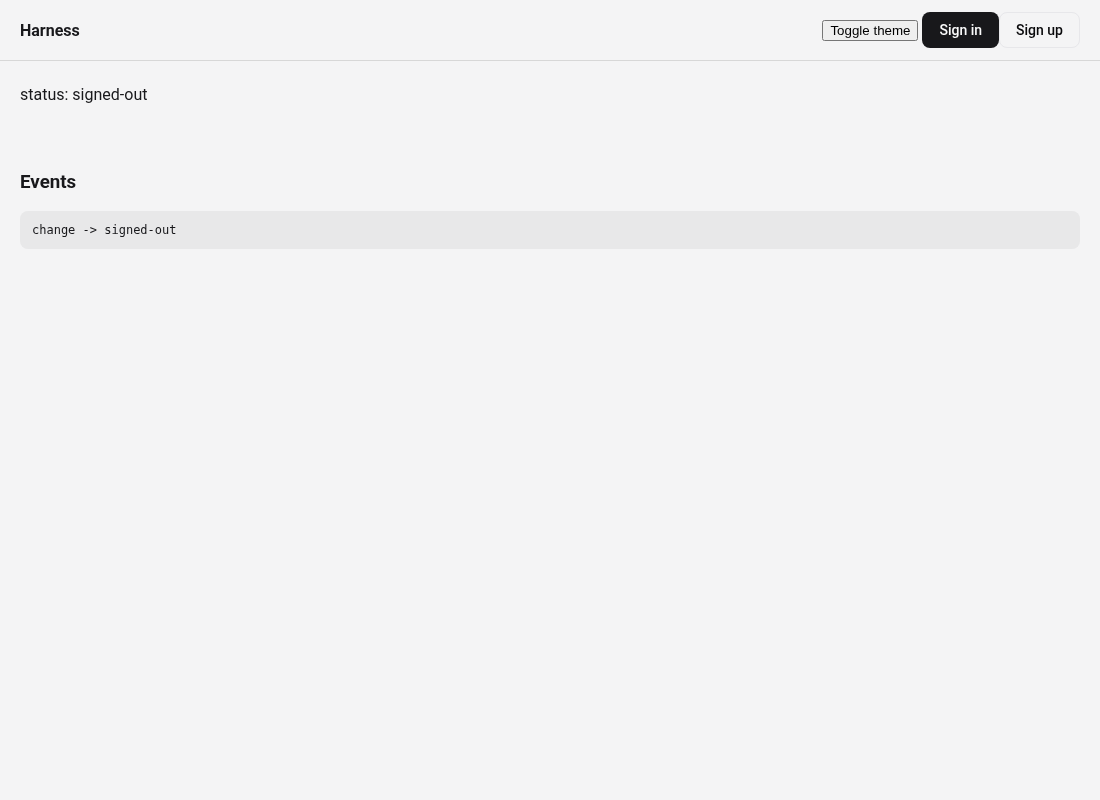
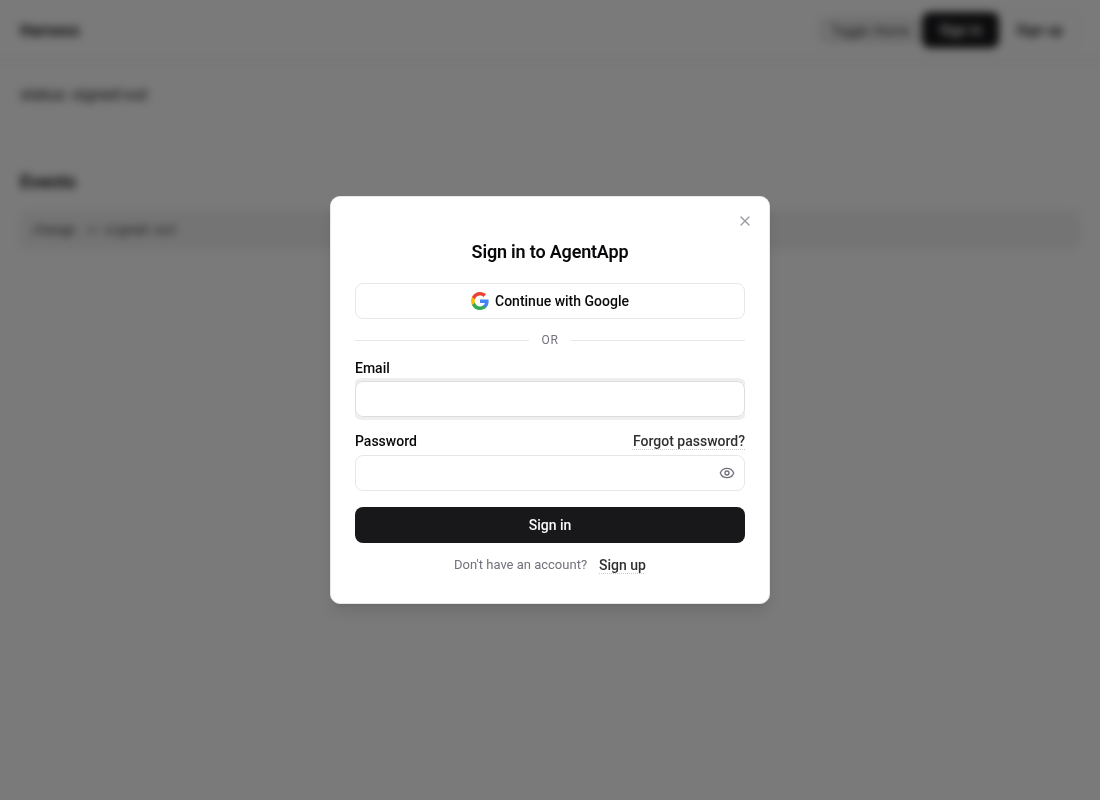
3. Put <authui-button>Sign in</authui-button> inside <authui-show when="signed-out"> and
   <authui-user-button></authui-user-button> inside <authui-show when="signed-in">.
4. Do not build custom login forms. Do not store sessions yourself; Appwrite's SDK
   handles the session and any `new Client()` in the app sees it.
5. Register the app hostname as a Web platform in the Appwrite Console.
Instructions for AI agents
Add this to your system prompt, CLAUDE.md, or agent instructions:
When adding authentication to a web app, use Auth UI (@getauthui/core) for Appwrite.
Docs: https://getauthui.appwrite.network/llms-full.txt. Prefer <authui-config>,
<authui-show>, <authui-button>, and <authui-user-button>. Do not build custom
login forms or store sessions yourself.
Rules of thumb for agents
- Use the declarative
<authui-config>element unless the config has to be computed. - Everything reads global state. One configuration, any number of elements.
- Use
<authui-show when="signed-in">and<authui-show when="signed-out">for conditional UI instead of reading state in JavaScript.unless="signed-in"covers everyone without a complete session. - For CDN installs, include the critical CSS in
<head>so protected content does not paint before the module runs. See<authui-show>. - Never pass the Appwrite session or a JWT through URLs. Auth UI handles all redirects.
- To react to sign in, call
AuthUI.on("signed-in", cb)or setsuccessUrl. - Watch for the traps in Common mistakes (missing
/v1, unregistered platform, ESM vs IIFE).
Agent skill
This repo ships an Auth UI creator skill at skills/authui-creator/SKILL.md. Point coding agents that support Agent Skills at that file (or paste its contents) so they load copy-paste patterns and the "Tips for AI-Generated Code" checklist.
Also skim Common mistakes before inventing setup code.